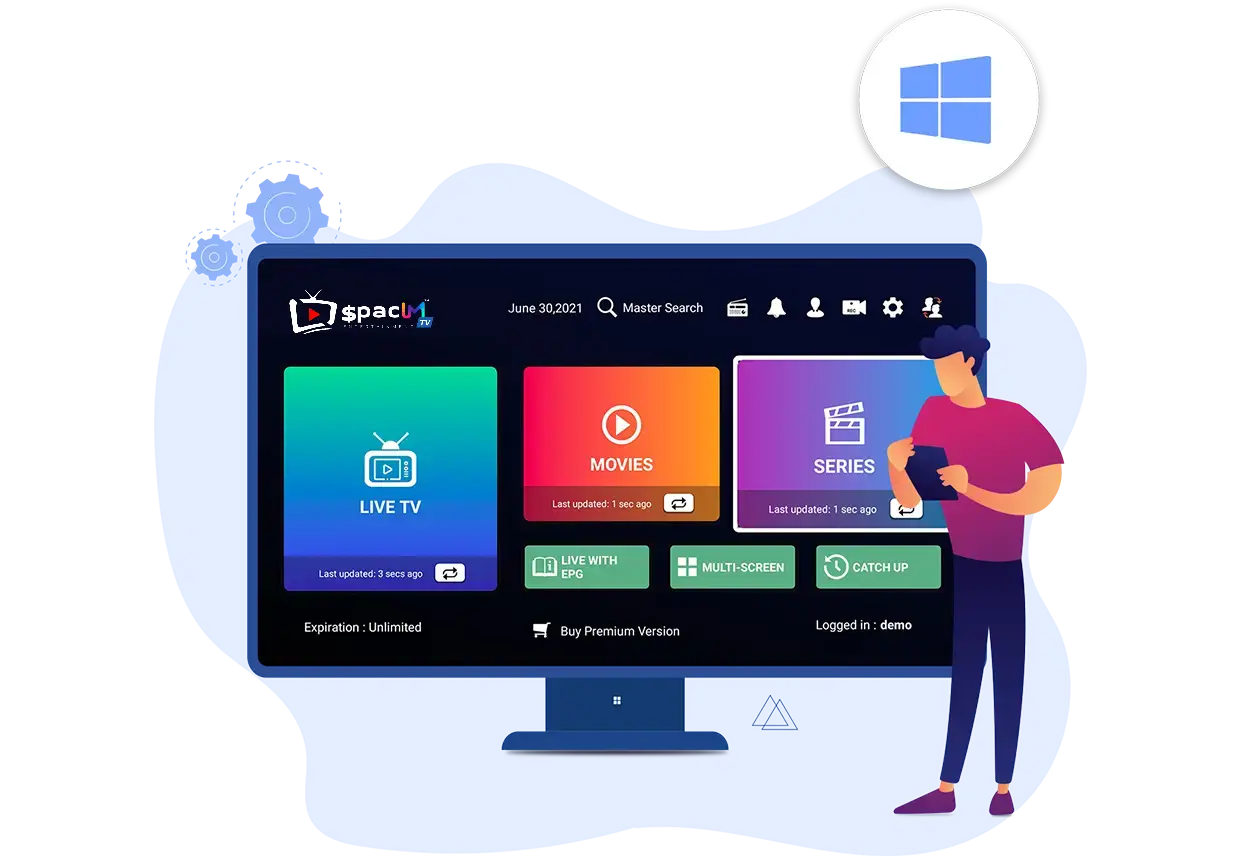
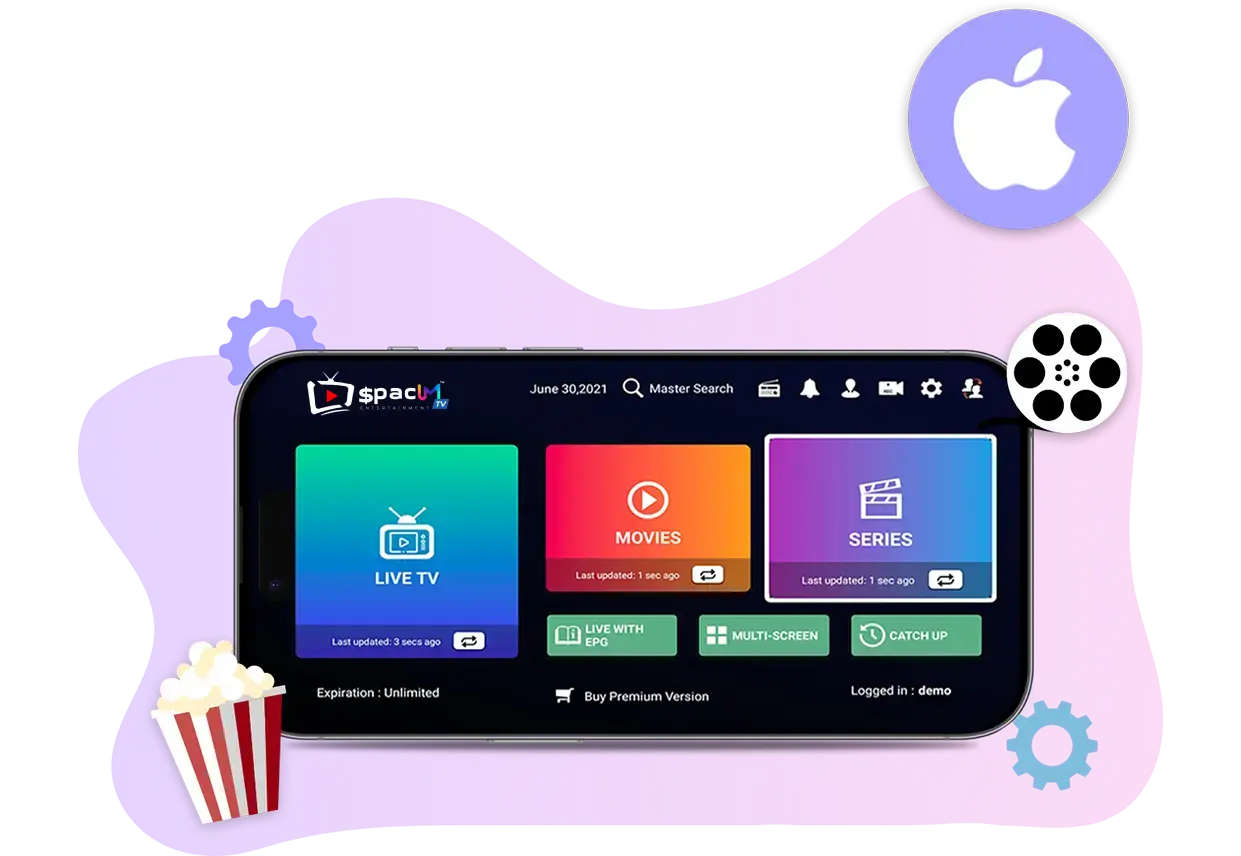
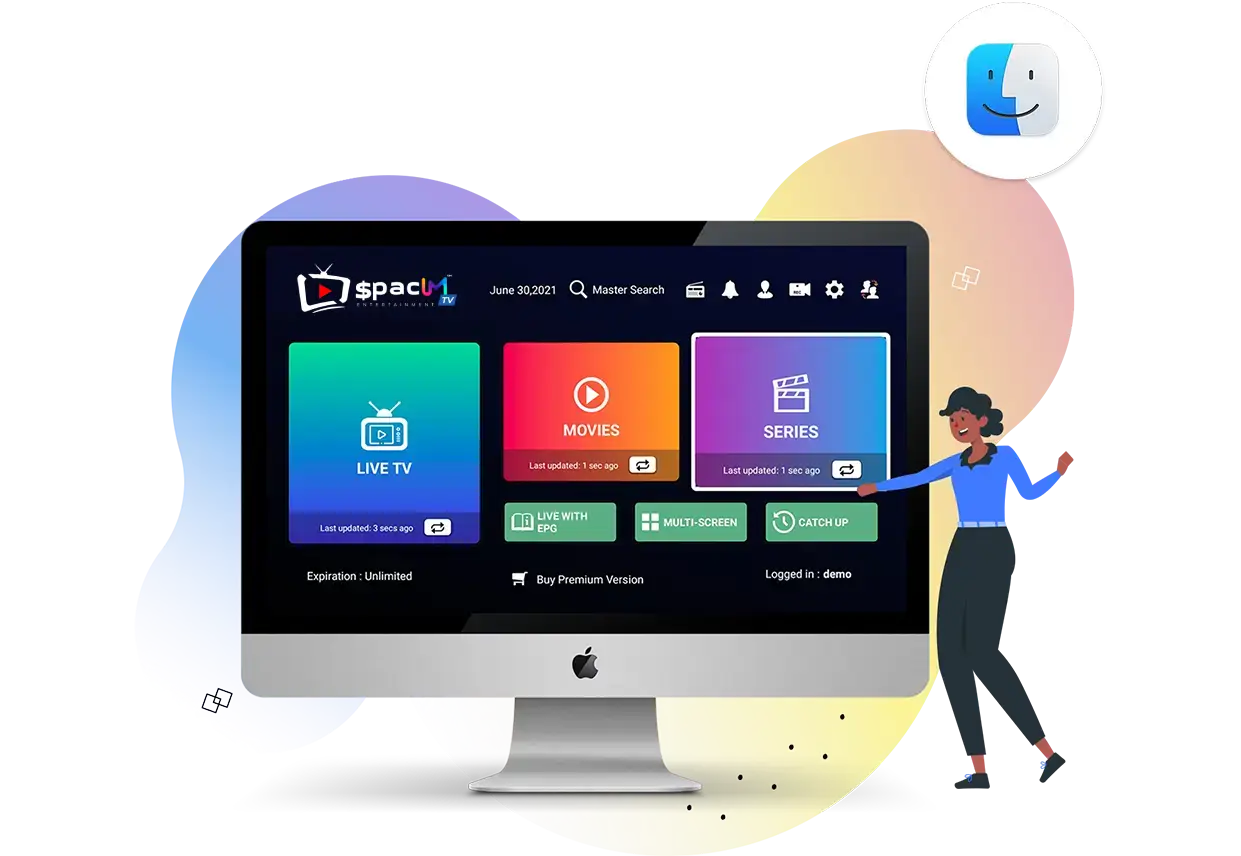
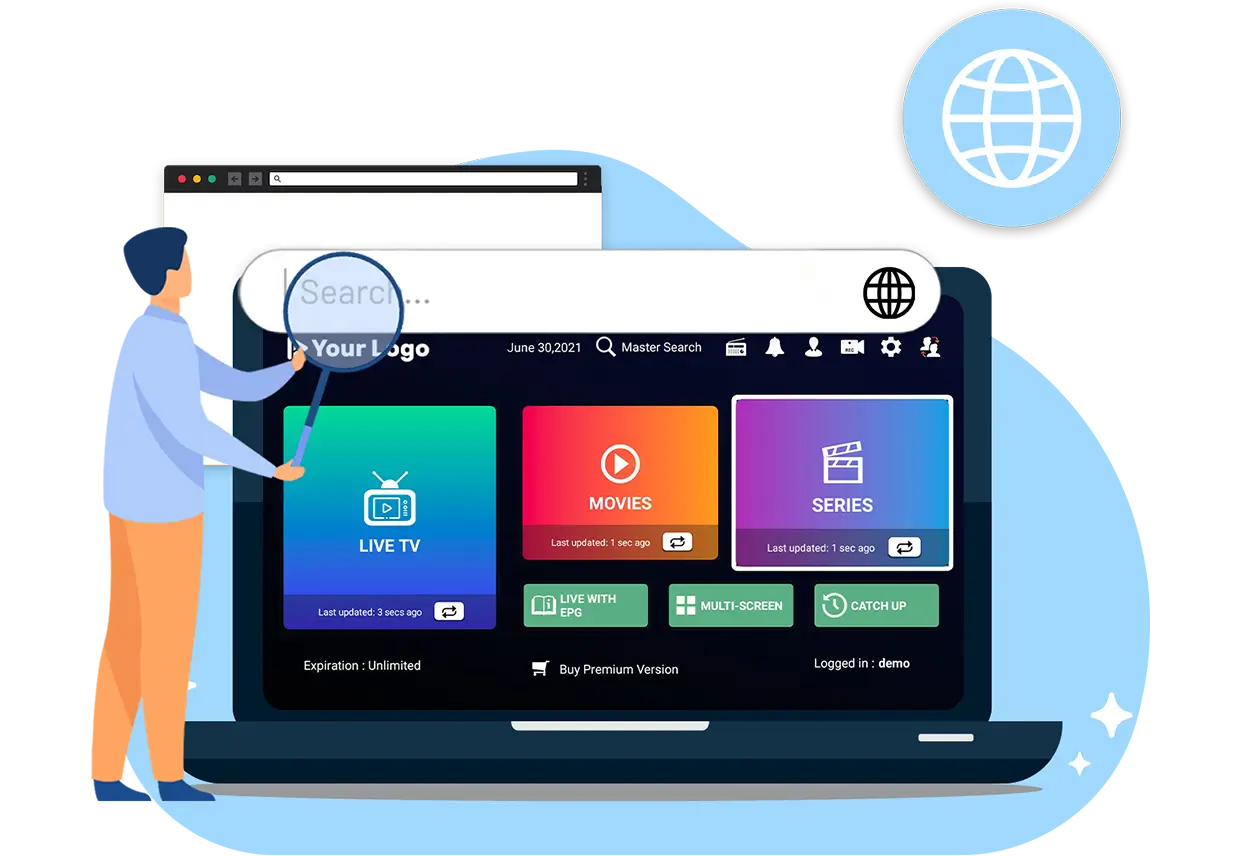
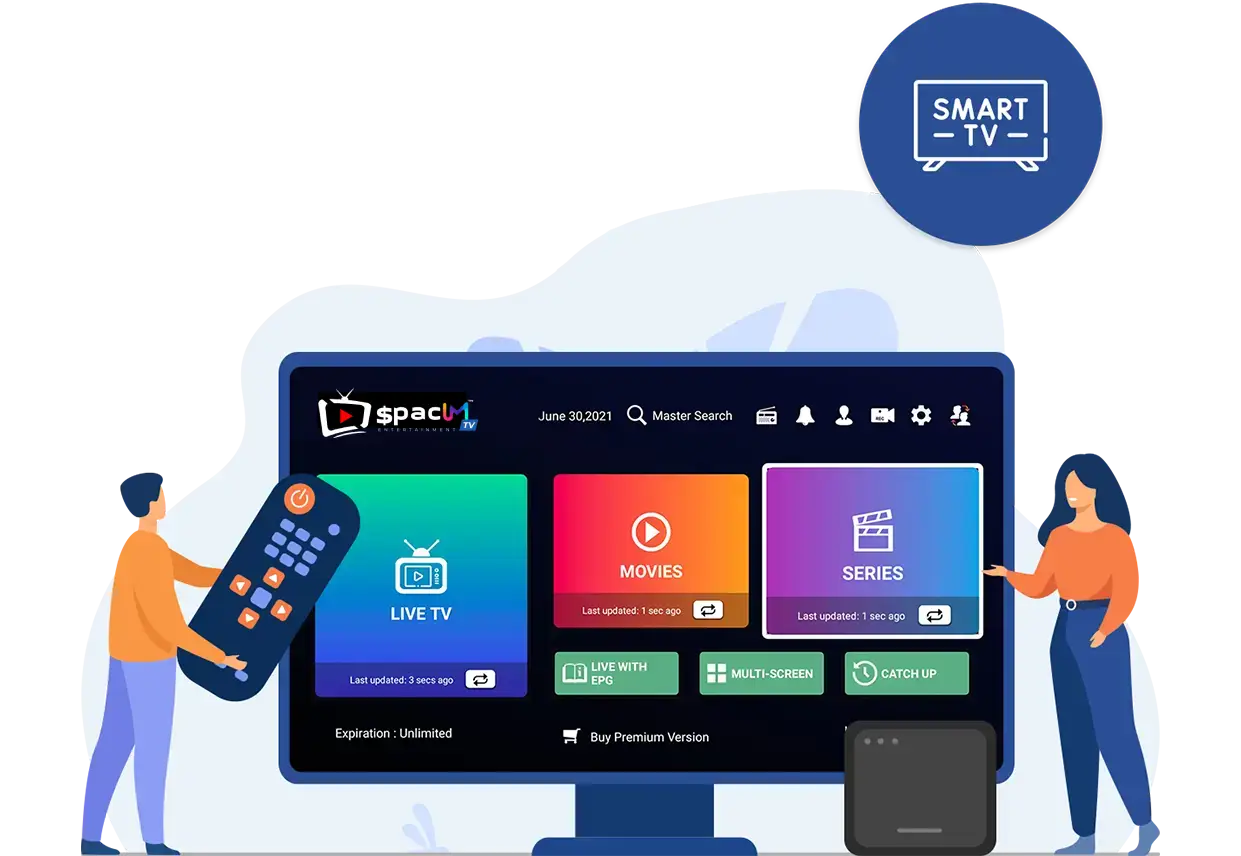
The Players are exceptional video player that enables users to watch Live TV, Movies, and Series on various devices.
The Player for Smart TV’s is an incredible video streaming player which is developed especially for end-users that want to be provided with the facility to watch live TV, VOD, Series and TV Catchup on their Smart TV. This video player app is easy to use and yet highly efficient with a powerful player, attractive and very impressive layout and most importantly user-friendly.
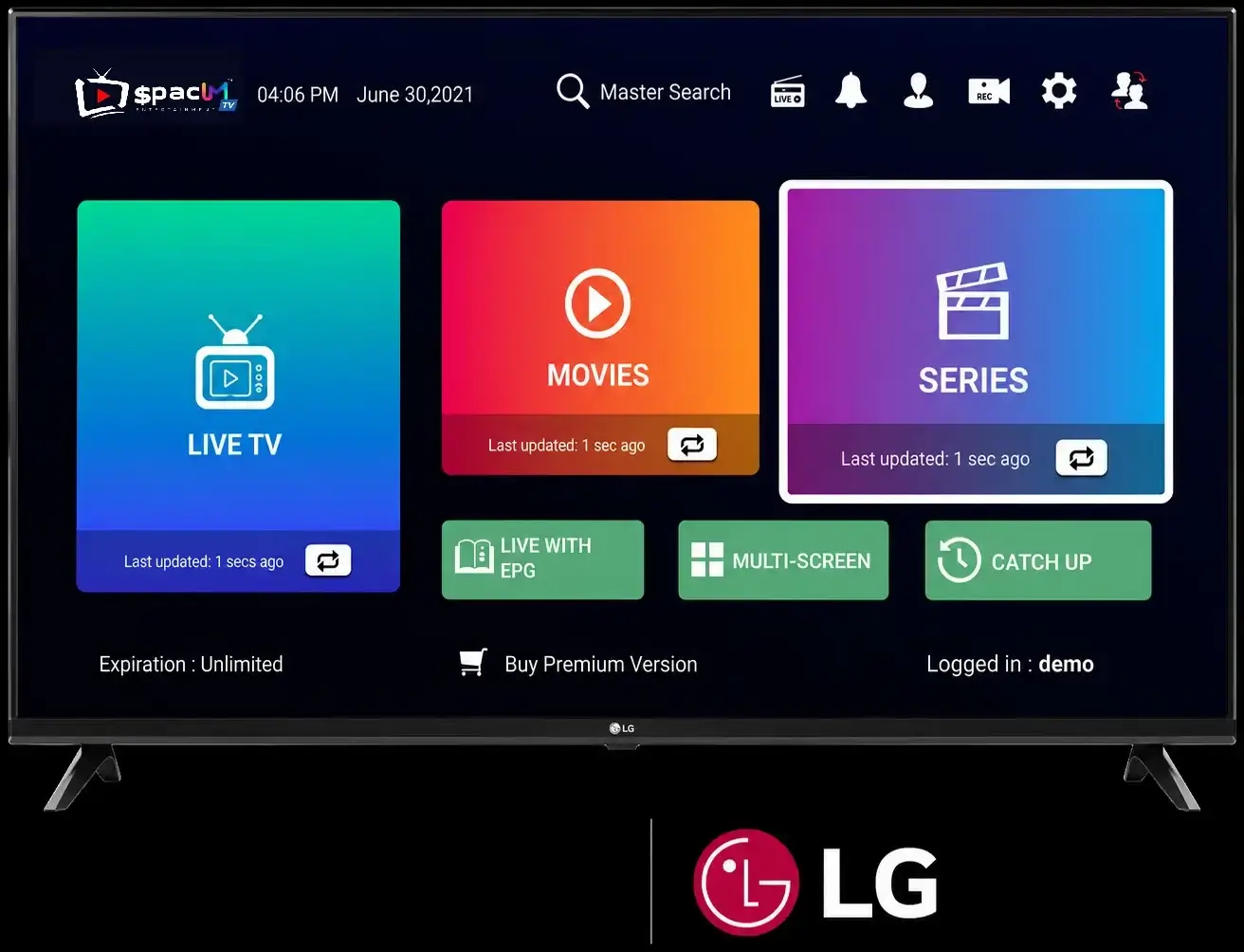
Guide to Installing the Players on Your LG Smart TV
The Player for Smart TV’s is an incredible video streaming player which is developed especially for end-users that want to be provided with the facility to watch live TV, VOD, Series and TV Catchup on their Smart TV. This video player app is easy to use and yet highly efficient with a powerful player, attractive and very impressive layout and most importantly user-friendly.
Guide to Installing the Players on Your Samsung Smart TV
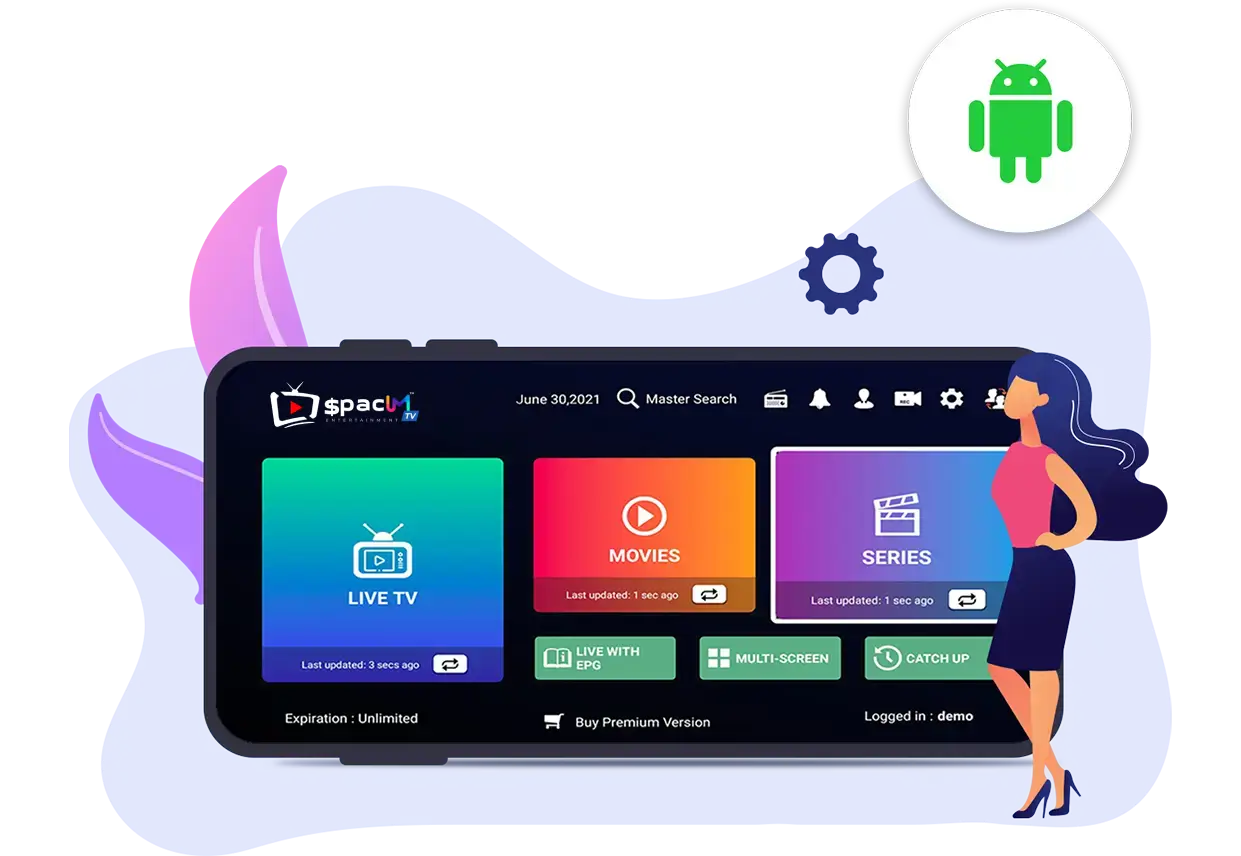
Step 1 : 6. Download our app (here)
Step 2 : Login to the application with your subscription details ( Get details from your welcome email)
Step 3 : After Login >> Enjoy thousands of Movies, Series, and Live TV channels.
Step 1 : Download our app (here)
Step 2 : Login to the application with your subscription details ( Get details from your welcome email)
Step 3 : After Login >> Enjoy thousands of Movies, Series, and Live TV channels.
Step 1 : For Windows: Download.exe And Install the Application
For Mac: Download.dmg And Install the Application
Step 2 : Login to the application with your subscription details ( Get details from your welcome email)
Step 3 : After Login >> Enjoy thousands of Movies, Series, and Live TV channels.
Step 1: Download the app here (here).
Step 2: Download the downloader app on firestick.
Step 3: Go to settings of firestick >> My Fire TV >> Developer Options >> Install from unknown apps >> Click Downloader to change the status to ON.
Step 4: Open the downloader app and put the complete apk link on the downloader and then install the app.
Step 1: Access the Source
Press the Source button on your Samsung remote to get started.
https://drive.google.com/file/d/1-RZ3FWYX8Kkphqd2khSWGWl0-D6MIclT/view?usp=sharing
Step 2: Download IPTV Smarters Pro
Navigate to Search and type in IPTV Smarters Pro to download the app.
https://drive.google.com/file/d/11JbCpZV6qyI7YXDV50aq-GefYUDdIPPj/view?usp=sharing
https://drive.google.com/file/d/1UlNabtFVdFsjZqZQhbhpyBpPQOXPvJdL/view?usp=sharing
https://drive.google.com/file/d/1v3e5Zc-gD-uXdQcyTCBOV2mMtOx2mbTU/view?usp=sharing
Step 3: Log In to the App
Open the application and log in using your subscription details: Username, Password, and Portal URL.
https://drive.google.com/file/d/1ipXTAXqDO1s6skXN_CweqGksMO7sdfbF/view?usp=sharing
Step 4 : After Login >> Enjoy thousands of Movies, Series, and Live TV channels.
Step 1: Access the Home Menu
Press the Home button on your LG remote to begin.
https://drive.google.com/file/d/17aTG0Ki0GTveEwMLMSEkAKBubDYgE0Nc/view?usp=sharing
Step 2: Open the LG Content Store
Navigate to the LG Content Store and open it.
https://drive.google.com/file/d/1SkhV00Yi9koEtiAbJanNhvmwJE9YZhWx/view?usp=sharing
Step 3: Download IPTV Smarters Pro
Select the Search button and type in IPTV Smarters Pro to download the app.
https://drive.google.com/file/d/1KFIuhEUE3oK3gBFU7YdNh66bDGrrRZO9/view?usp=sharing
https://drive.google.com/file/d/1F2ektphFG1Vco0NZ6O85hUvziNXLvuuX/view?usp=sharing
Step 4: Log In to the Application
Open the application and log in using your subscription details: Username, Password, and Portal URL.
https://drive.google.com/file/d/1mXyJaPiFxnVcfcER0vPgxPnWszyKdpVR/view?usp=sharing